

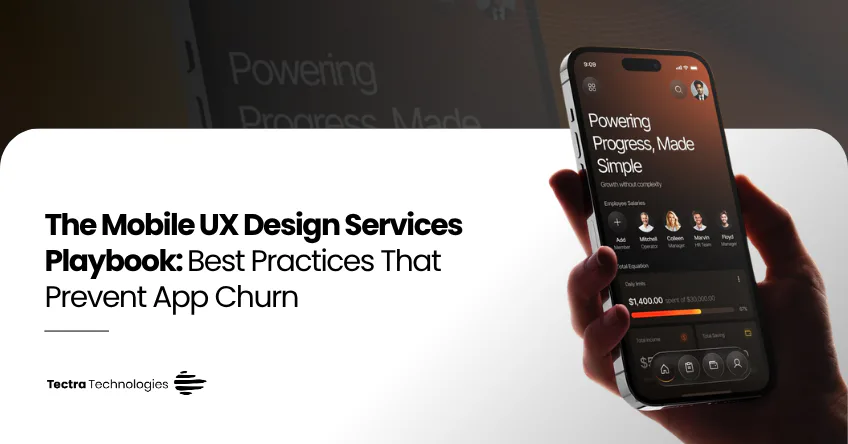
A mobile app competes for attention in a context no desktop product has to deal with: one thumb, a few seconds of patience, and dozens of other apps a tap away. Feature-rich apps still get uninstalled constantly because the first few taps feel confusing or slow. Good mobile UX design services treat that first session as the actual product.
This is the discipline our Mobile UX Design team applies alongside every mobile app development engagement, and it is closely tied to the patterns in UX mistakes that quietly kill conversions.
UX design for mobile apps: native vs cross-platform. Account for the build approach early, not after design is finalised. Native apps can use platform-specific gestures and components that feel instantly familiar; cross-platform builds trade some of that feel for faster shared development. Our breakdown of native, cross-platform or PWA covers how to decide before UX work starts — retrofitting native patterns onto a locked cross-platform design is expensive.
Mobile UX research services shouldn't stop at launch. Session recordings, funnel drop-off data and short in-app surveys reveal where users hesitate or abandon a flow far more reliably than internal assumptions. Ongoing research also feeds UI/UX design and conversion optimisation, since retention and conversion problems usually share root causes.
Common mistakes that kill retention: front-loading account creation before showing any value; copying a competitor's flow without testing whether it fits your users; ignoring performance as a UX factor (a slow app feels broken regardless of how it looks); and treating launch as the finish line instead of the start of a research cycle.

Author
SEO Executive, Tectra Technologies
Mithun Nivas is an SEO Executive at Tectra Technologies, specialising in technical SEO, content strategy, and organic growth for SaaS and service businesses.
He works on keyword research, on-page optimisation, and technical SEO to help clients improve search visibility and drive qualified organic traffic.
Latest Blogs
Choosing Between Native and Cross-Platform Development: A Mobile App Development Company's Perspective
Choosing a mobile app development company? Compare native and cross-platform builds, costs, timelines and hiring options to pick the right approach in 2026.
Read article →
Organic vs Paid Social: How a Social Media Marketing Agency Builds a Growth Strategy That Works
Not sure whether to invest in organic or paid social? This social media marketing agency guide compares both and shows how to blend them for growth.
Read article →
Beyond Crypto: How Blockchain Development Services Power Smart Contracts Across Industries
Explore how blockchain development services power supply chains, healthcare, finance and more. See smart contract use cases beyond crypto and how to start.
Read article →